New features: dark mode, musical notes, and more!
We're excited to introduce dark mode, musical notes for pitch display, and higher quality pitch estimation options.
Written by: Charlie Murphy
Dark mode
It’s our pleasure to introduce a visual theme for the app that is a little easier on your eyes 😉. You can now choose between dark mode or light mode. You can specify this by clicking on settings icon (bottom left of the screen) and changing the “Theme” setting.
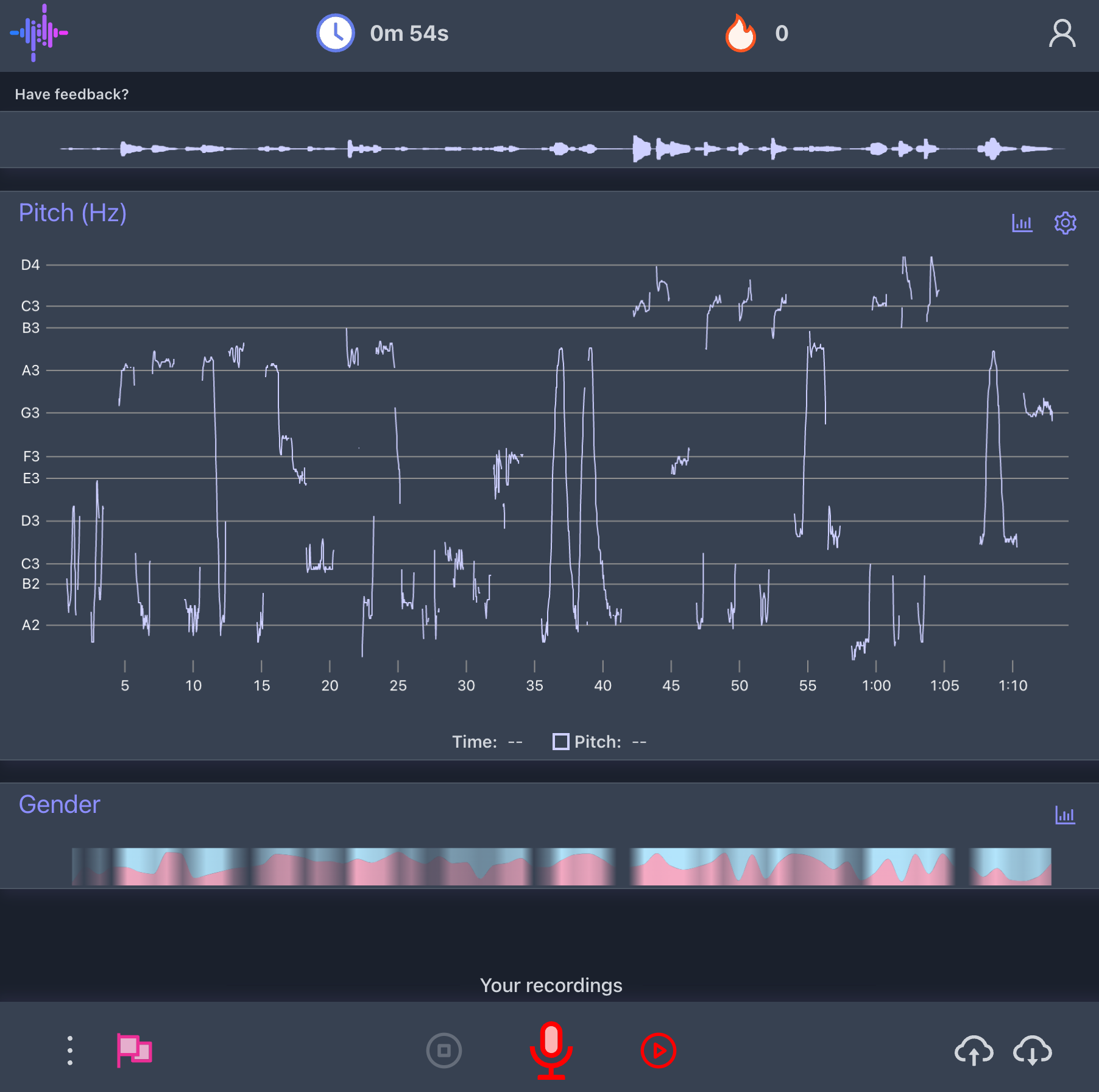
Musical notes for pitch
For pitch estimation, you can now choose to display the musical notes on the plot instead of hertz. You can try it out by clicking on the gear icon in the top right corner of the pitch plot and enabling “Show musical notes”.
Higher quality pitch estimation
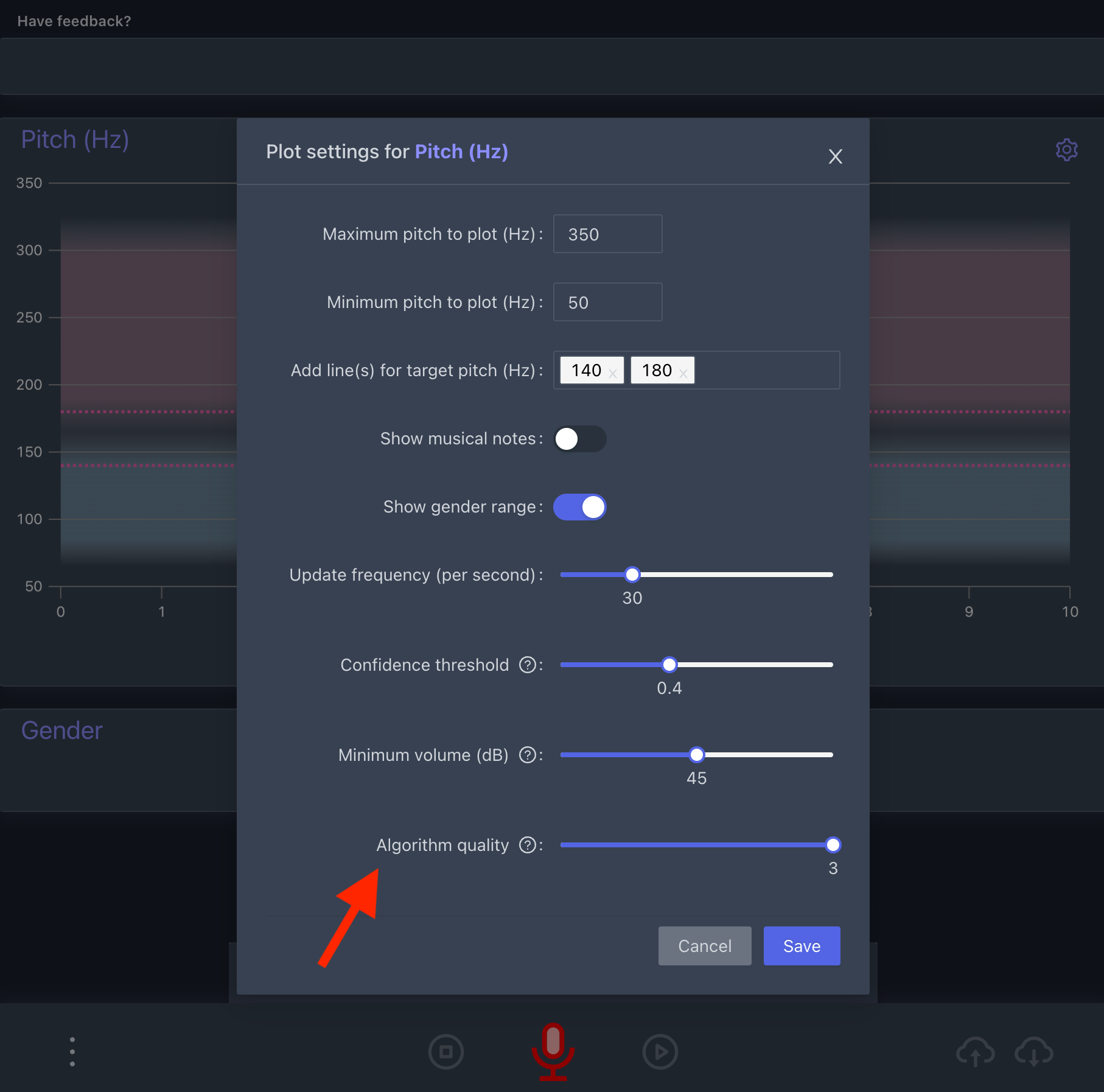
You now have the option to use a higher quality pitch estimation algorithm, which will produce less noisy pitch estimates. But beware, this would mainly benefit our desktop and laptop users because increasing the quality may significantly slow down the app on older devices or mobile phones. You can change the quality by clicking on the gear icon in the top right corner of the pitch plot and altering the “Algorithm quality” slider.
In addition to the new features, we also made some small performance and UI improvements. Hope you like the new features! As always, if you have any feedback feel free to reach out to us.